
Android app
Scryware Brain
Every smart feature in the Scryware apps runs through one place: Brain. It is a separate, free app that carries an AI model on your phone. The other apps hand it a job, breaking down a task, drafting a bill entry, suggesting a checklist item, and Brain hands back a structured answer. The thinking happens on the device, which means your words do not have to leave your phone for the apps to feel smart.
Free
The AI stays on your phone.
Android · Free.
- One install powers the rest. FocusUp, CashGlance, HomeGlance, and LegalGlance all use Brain for their smart features, so the model lives in one app instead of four.
- On-device model. Prompts are processed by a local model on your phone. Nothing is sent anywhere for the standard features.
- Answers, not chatter. Brain returns structured results the apps can use, like steps, parsed entries, and suggestions, and the app in front of you stays in charge of what gets saved.
- Cloud only if you say so. If you want a bigger model, you can enable cloud AI with your own API key. It is off by default, and the key and the traffic are yours.
- Free. Brain is the shared engine for the lineup, so it does not carry a price tag of its own.
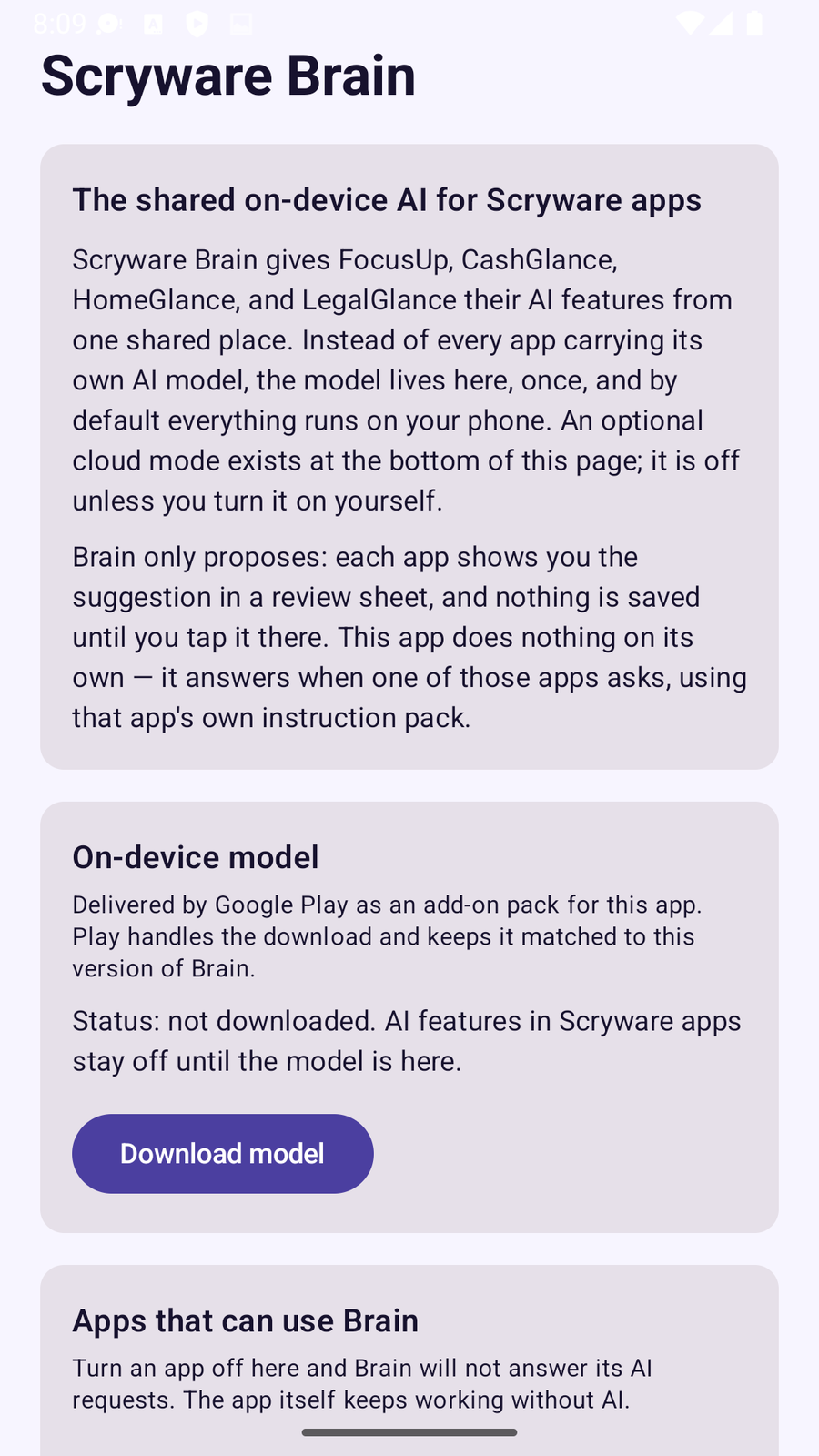
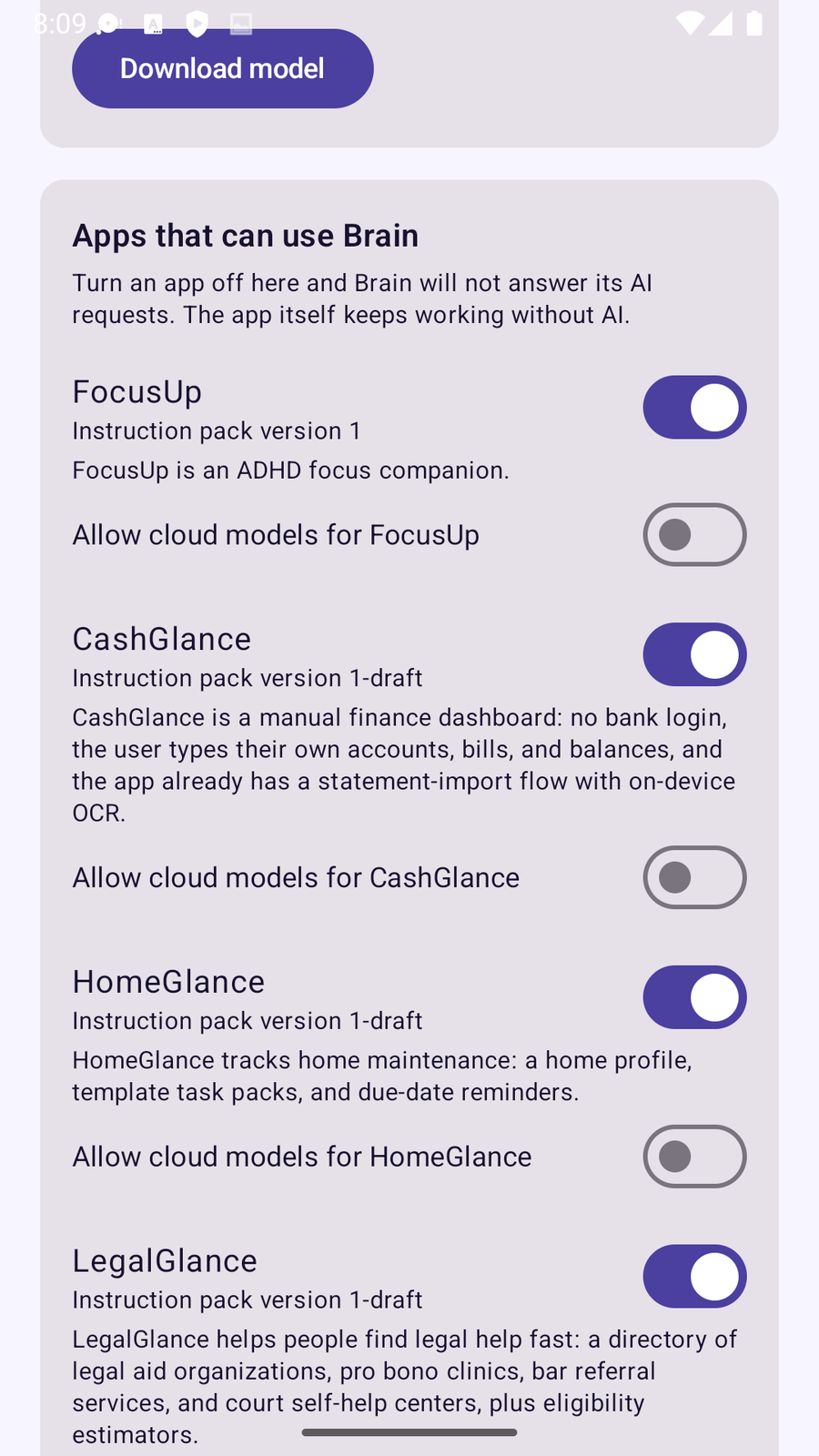
Screenshot: a task breakdown answered
Privacy
Brain processes prompts on your phone and Scryware receives none of them. Cloud AI is available only if you turn it on and supply your own key, in which case your requests go to the provider you chose. The full wording is in the Brain section of the privacy policy.